How to make a Hop Hop Hop Dance video
Last updated:
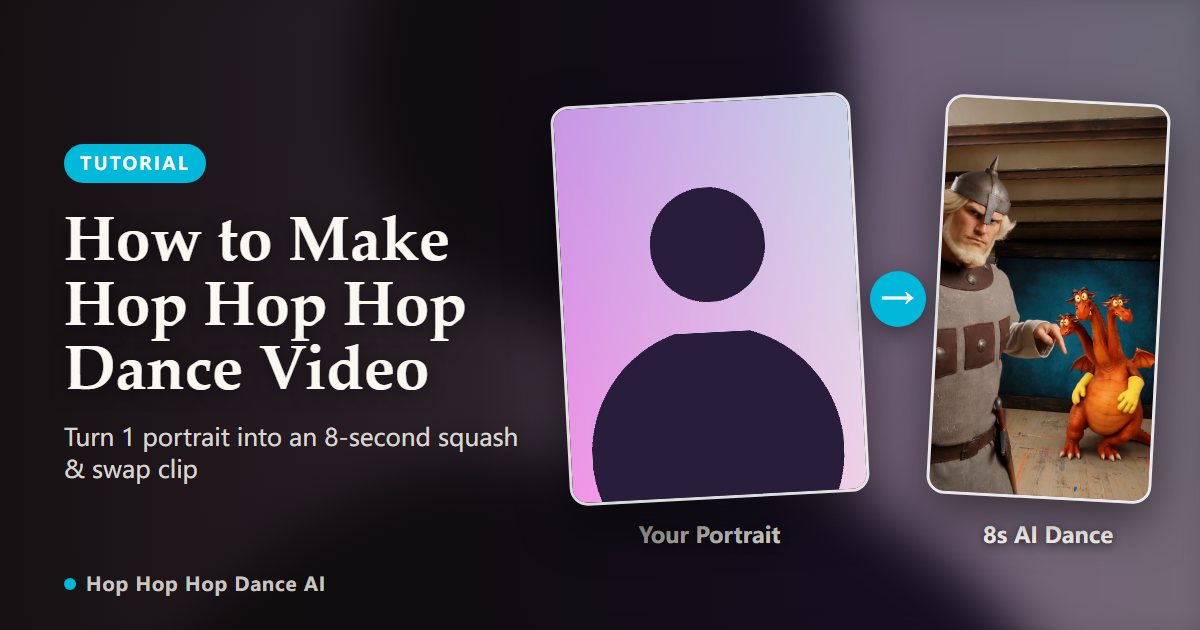
Creating your own viral Hop Hop Hop Dance squash-and-swap video no longer requires a video crew, a tripod, or hours of manual keyframe editing. With our dedicated AI motion model, you can transform a single portrait into an 8-second clip in minutes.
1. Choose a clear, front-facing portrait photo
The quality of your generated video depends on your source image. Choose a sharp, well-lit photo of one person looking directly into the camera. Natural daytime lighting or a soft ring light provides optimal clarity for facial feature mapping.
Ensure the head, hairline, shoulders, and upper chest are clearly visible. Avoid dark sunglasses, face coverings, motion blur, extreme angles, or heavy beauty filters that smooth out structural facial contours.
2. Upload and configure your 8-second video
Drop your photo into the generator in JPG, PNG, or WebP format up to 10 MB. The video length is standardized to a full 8 seconds, capturing the complete four-beat routine with beat-locked timing and clean visual looping.
Generation uses a simple, transparent credit system where 1 credit equals 1 complete 8-second video. Get started with a single-video starter pack for $9.90 or select bundle packs with no recurring subscriptions.
3. Confirm consent and start neural motion synthesis
Check the consent box to confirm the photo is yours or used with permission, then click generate. The deep neural network analyzes facial geometry, aligns body pose to the reference motion track, and synthesizes realistic movement frame by frame.
Every render is protected by our automatic refund policy: if processing is interrupted or fails for any reason, the credit is immediately returned to your account balance.
4. Download your watermark-free HD 9:16 MP4
Once generation finishes, preview your video in the browser and download the watermark-free 9:16 vertical MP4. The export is fully formatted for mobile-first video platforms.
Finished videos are safely preserved in your private account dashboard for 30 days, giving you ample time to download or share them.
5. Add the viral audio track and post to short-form platforms
Open TikTok, Instagram Reels, or YouTube Shorts and select your downloaded 8-second video. Use the platform’s sound search to find the official “Hop Hop Hop” or “Её парень” audio and align the track volume.
Using native platform audio signals algorithmic relevance, increasing the likelihood of appearing on the “For You” recommendation feed.
6. Pro tips for sharper clothing and natural motion
Portraits with textured garments—such as hoodies, denim jackets, jerseys, or streetwear—yield especially convincing results, giving the motion model clear edge definitions during the three hops.
For solo twin mode, try an expressive or confident facial expression. A playful smirk or cheerful smile adds natural humor when your characters suddenly switch places on the beat.
Ready to drop into the Hop Hop Hop Dance trend?
Create my video