Hop Hop Hop AI Prompt & CapCut Guide
Last updated:
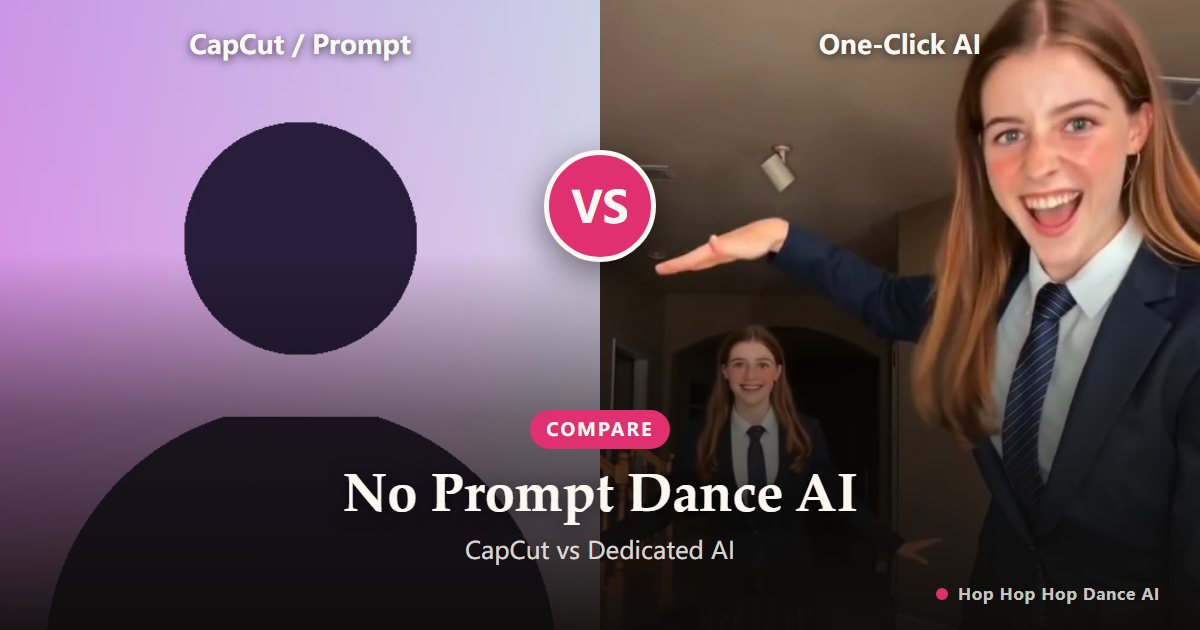
As the Hop Hop Hop Dance craze sweeps across TikTok, Instagram Reels, and YouTube Shorts, thousands of creators are actively searching for "Hop Hop Hop CapCut templates" or copying long text prompts into video models like Kling, Midjourney, Runway, or Luma. But why do generic prompts consistently glitch, and why do CapCut templates fail to produce true 3D dance motion? Here is why dedicated no-prompt AI motion mapping is replacing manual prompts entirely.
The hunt for Hop Hop Hop CapCut templates and AI prompts
Short-form video creators know that riding an active trend like Hop Hop Hop Dance requires speed. To replicate the iconic four-beat routine—pointing backward, hopping three times, getting flattened by a forced-perspective palm, and swapping roles on a hard cut—creators typically take two paths: searching for a ready-made CapCut template or attempting to prompt general-purpose text-to-video AI tools.
While both methods seem promising at first glance, each comes with severe technical compromises that degrade video quality, break timing synchronization, or produce grotesque visual artifacts.
Why manual text prompts fail at complex squash-and-swap choreography
Prompting general-purpose video models (such as Runway Gen-3, Kling AI, or Luma Dream Machine) with descriptive text like "person hops three times then hand squashes them" creates unpredictable random results. General diffusion models lack native temporal awareness of physical rhythm and forced-perspective optical illusions.
Common failure modes with text prompts include: melting hands during the palm press, extra limbs appearing during the three hops, inconsistent face identity across the transition cut, and complete desynchronization from the viral Russian phonk rhythm. You can burn dozens of generation credits writing 200-word prompt recipes without getting a single coherent take.
The fatal limits of CapCut templates for AI dance trends
CapCut templates excel at simple 2D image sliding, beat-synced shake effects, and video overlays. However, a template cannot synthesize human biomechanics from a static photo. Dropping a portrait into a CapCut template only zooms or pans a flat 2D cutout across a stock background.
Viewers immediately recognize flat cutout edits. The genuine charm of the viral trend relies on fluid 3D body weight shifts, knees bending in rhythm, natural garment wrinkles flexing during the hops, and the comedic contrast of a 3D hand seemingly compressing a distant dancer.
The Zero-Prompt breakthrough: Direct motion reference mapping
Hop Hop Hop Dance AI eliminates prompt engineering altogether. Instead of trying to describe physical movement with words, our neural architecture maps your single uploaded portrait directly onto a mathematically calibrated motion-reference track.
Our model analyzes your photo’s facial geometry, extracts subject boundaries, and synthesizes 3D skeletal movement frame-by-frame. The entire 9-second clip is pre-aligned to the four musical beats: two seconds of cheekily pointing at the camera, three crisp bass hops, one perspective squash, and a frame-accurate swap cut at 4.3 seconds.
Detailed comparison: CapCut vs. Manual Prompts vs. Hop Hop Hop Dance AI
When evaluating workflow efficiency, visual quality, and beat precision, the differences are stark:
• CapCut Templates: Zero prompt needed, but produces only flat 2D image shakes with no real dance motion or 3D perspective.
• Manual Text Prompts (Kling / Runway / Luma): Demands complex multi-paragraph prompting; high failure rate (>80%), frequent limb distortion, and drifting facial identity across cuts.
• Hop Hop Hop Dance AI: Zero prompt required. Upload 1 photo, click generate, and receive a complete 9-second, watermark-free HD 9:16 vertical video locked to the viral tempo in under 3 minutes.
How to render your 9-second viral dance in under 3 minutes
Creating your viral video requires no editing skills or prompt engineering: upload one clear, front-facing portrait photo to our generator, confirm the consent checkbox, and initiate motion synthesis.
Once rendered, download your watermark-free 9:16 vertical MP4 and post it directly to TikTok or Reels with the official “Её парень” audio for instant organic recommendation.
Ready to drop into the Hop Hop Hop Dance trend?
Create my video