Photo Guide for Hop Hop Hop Dance
To get a clean, glitch-free Hop Hop Hop Dance video with sharp motion transfer, your source photo matters just as much as the underlying video model. Follow our simple framing rules to avoid facial and limb distortion.
1 portrait photo · No prompt writing needed · Instant motion transfer
Photo Do’s & Don’ts
Clean motion mapping depends on clear facial landmarks. Compare the examples below.
Front-facing portrait or waist-up
Direct eye contact or subtle angle with full facial contours visible.
Balanced natural lighting
Even light across cheeks and chin without deep shadows or blinding glare.
High resolution with clear wardrobe
Crisp clothing texture (hoodie, denim jacket, T-shirt) keeps dance outfit realistic.
Uncropped group photos
Multiple faces confuse AI face detection, creating morphed hybrid features.
Harsh backlighting or neon glow
Silhouette lighting hides critical neural landmark anchors.
Face-obscuring accessories
Dark sunglasses, wide hats, or hands covering the mouth block alignment.
4 Common Mistakes That Break AI Motion
Extreme 90° side profiles
Profiles lack 3D spatial depth for the forced-perspective squash and swap.
Heavy motion blur screenshots
Blurry camera frames cause limb warping during fast synchronized hops.
Low resolution & heavy compression
Pixelated snapshots result in jagged facial rendering and artifacting.
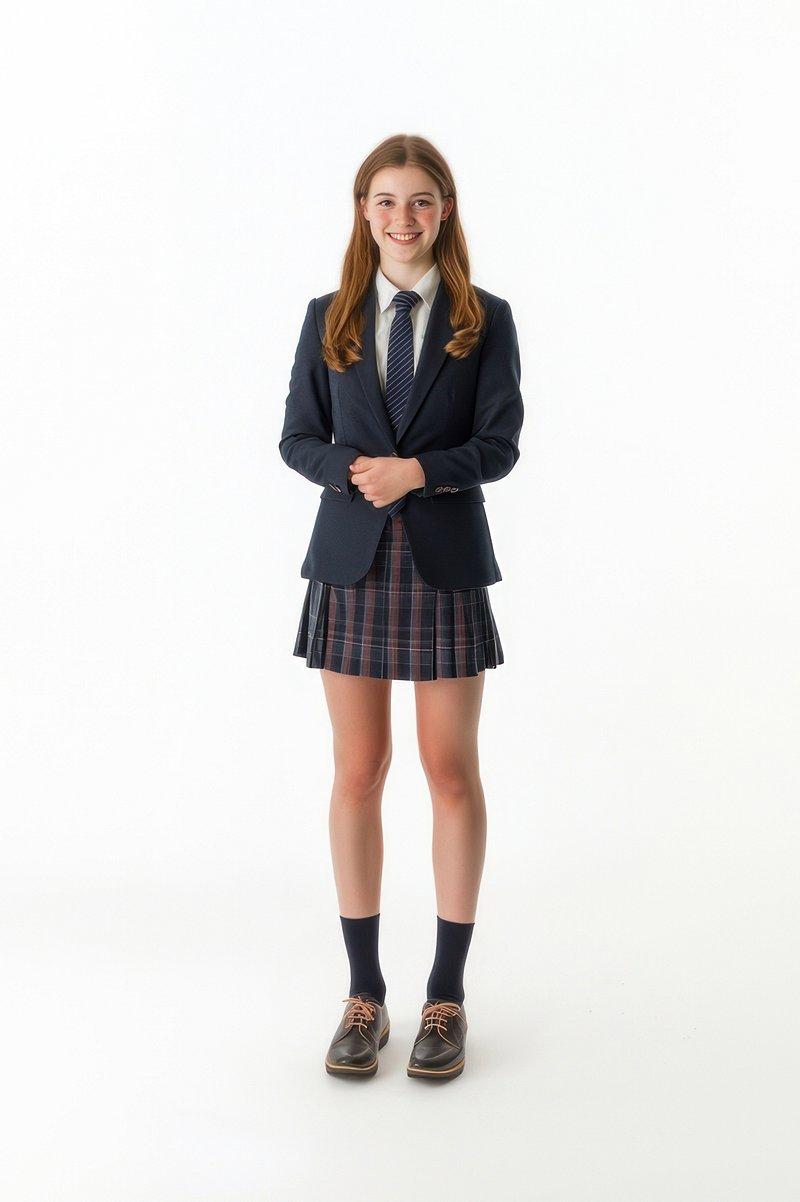
Overly wide full-body shots
When the face occupies too few pixels, expression and eye contact lose sharpness.
Pre-Flight Photo Checklist
See the Photo-to-Dance Transformation
A single high-resolution portrait becomes a 9-second viral dance routine.
3 Quick Tips for Flawless Results
Crop Before Uploading
Crop your photo to a 1:1 or 3:4 portrait so your face and torso fill the frame.
Use Expressive Facial Cues
A confident smile or cheeky smirk gives your video maximum viral personality.
Contrast Against Background
Wear clothing that contrasts with your photo background to ensure clean body segmentation.
Photo Preparation FAQs
Do I need a full-body photo or just a portrait?
A waist-up portrait is ideal. Our AI model automatically builds the full 3D body and legs matching your clothing style.
Can I upload a photo of my pet or an anime character?
Yes! Clear portraits of cats, dogs, or cartoon characters with visible facial features work great in the dance routine.
Do glasses or light makeup cause issues?
Regular eyeglasses and everyday makeup work perfectly. Only dark mirrored sunglasses or heavy face masks should be avoided.
What happens if I upload an uncropped group shot?
The AI will either latch onto the wrong person or attempt to blend both faces, causing distortions. Crop to a single person first.
Ready to see yourself in the Hop Hop Hop dance?
Upload 1 clear photo and get your complete 9-second video in minutes.